 En
 Français
 Deutsch

Shariiing Review: switch your 3D models to immersive mode
RSS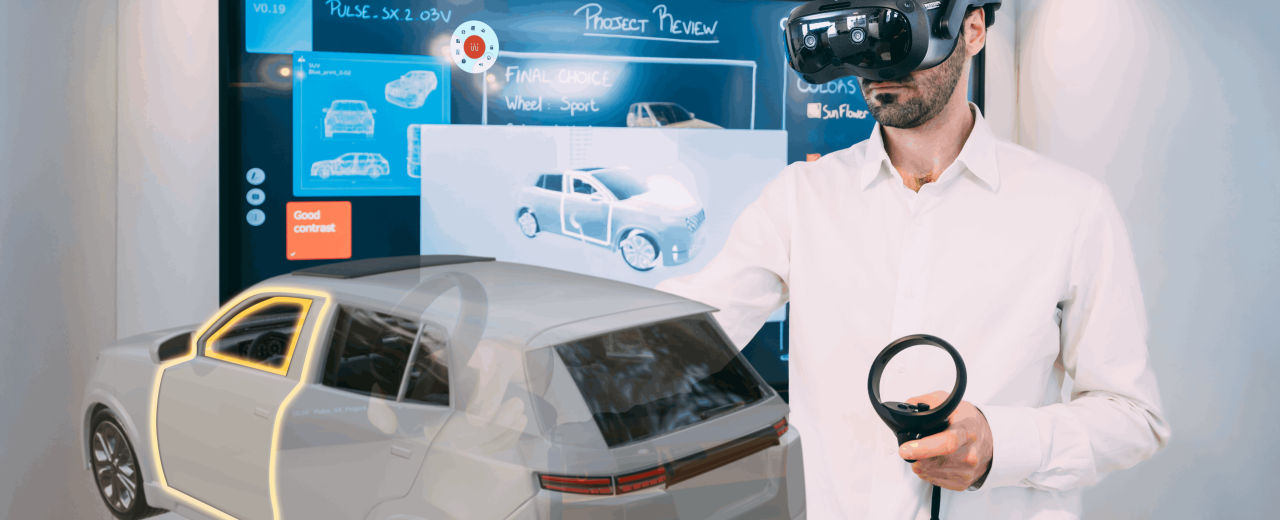
3D models make it possible to represent complex products, equipment, or environments. However, when it comes to examining them in detail, understanding how they are assembled, or presenting them to a team, simple on-screen visualization can have its limitations.
Shariiing Review allows you to explore these models in immersive 3D at any desired scale by directly manipulating their individual components. The solution is designed specifically for design, project review, and training teams looking for a new way to examine their models.
Explore your 3D models and manipulate their components
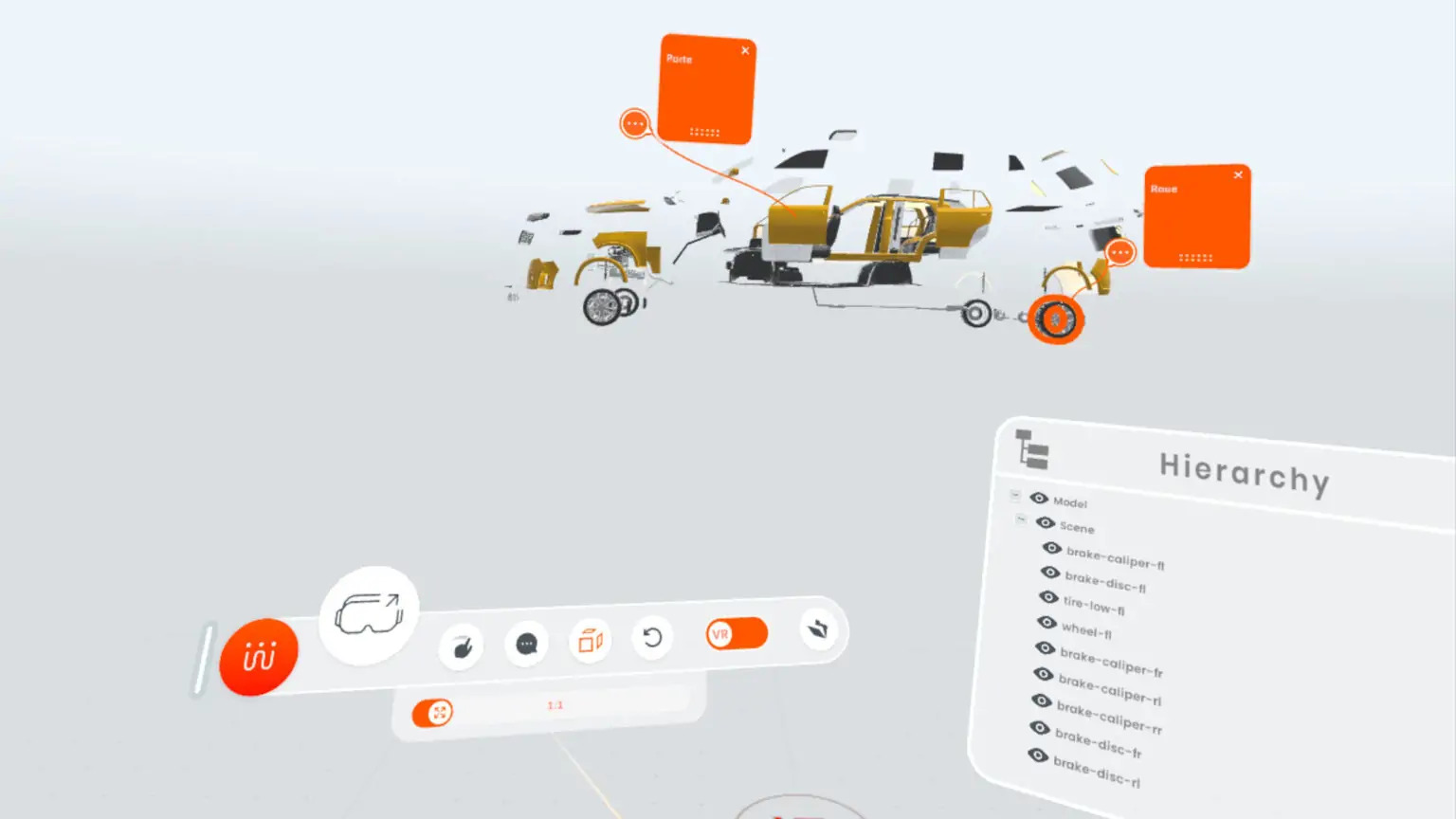
With Shariiing Review, you can interact directly with your models to gain a better understanding of their structure and details. Several features facilitate this exploration:
- Adjust the scale to examine an object in detail or view it at full size.
- Manipulate components to isolate a specific part and observe its characteristics.
- Create an exploded view of an assembly to better understand how its various parts fit together.
- Navigate the model’s hierarchical tree structure to show or hide specific elements.
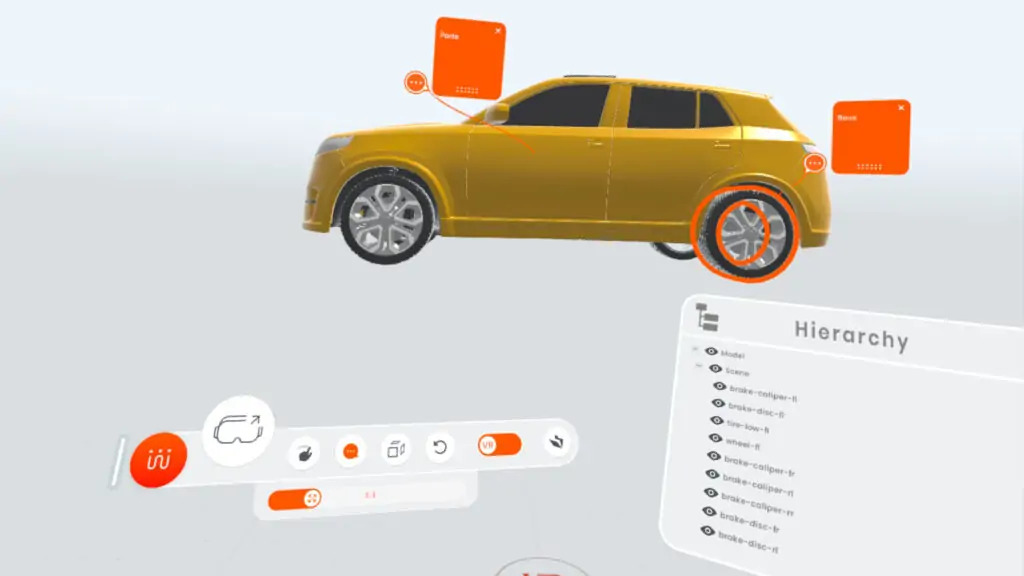
- Add annotations and temporary notes to highlight points for review or to support a presentation.
These interactions allow you to approach a model from different angles, facilitating discussion regarding its design or usage.
Import your 3D models and prepare your files
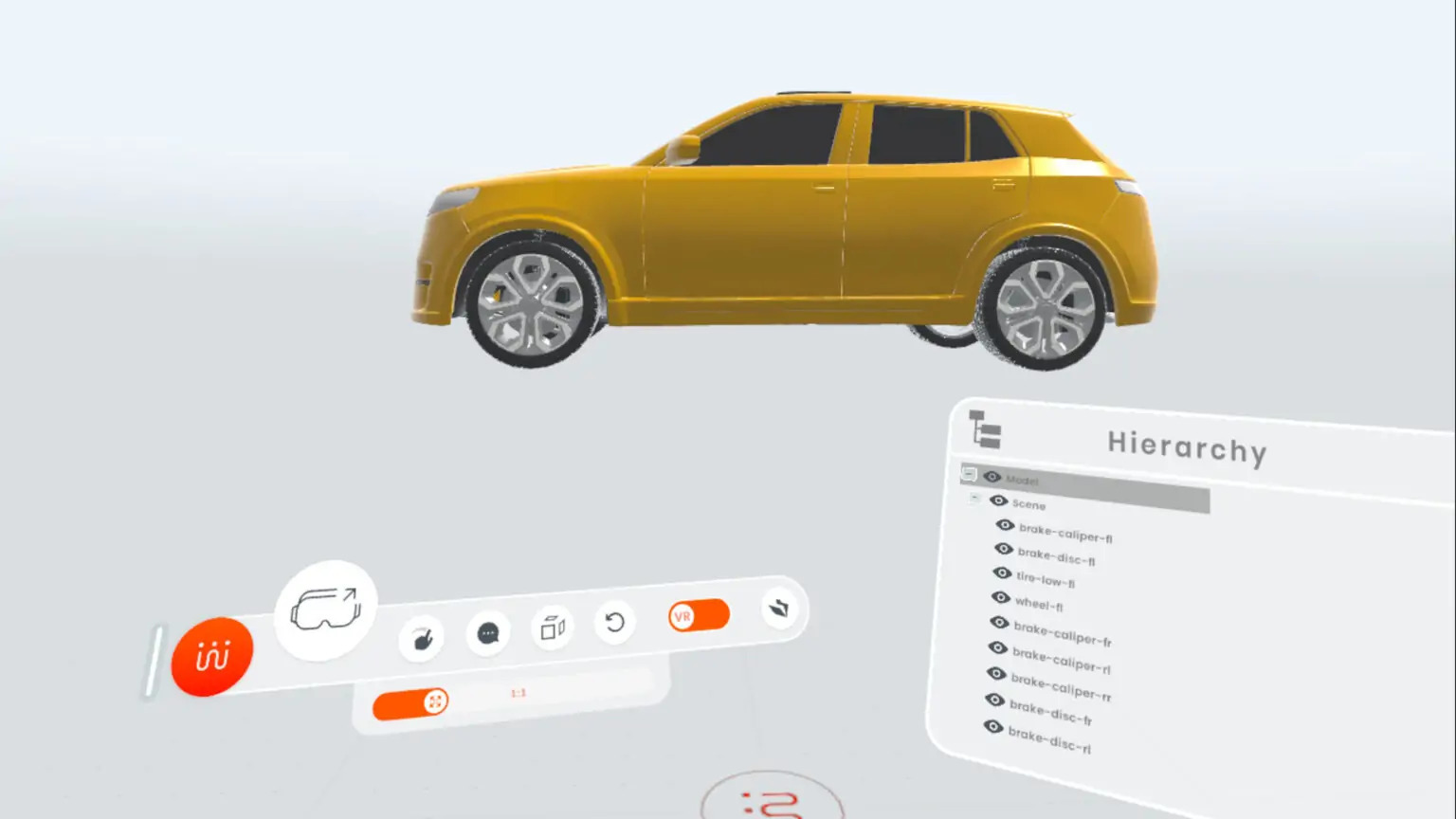
Shariiing Review natively supports GLB and GLTF formats, which are well-suited for visualizing 3D models.
To work with other CAD formats, Shariiing Review can be used in conjunction with Shariiing Advanced and its file-preparation tools. This synergy makes it possible to integrate models from various design environments into an immersive visualization workflow.
Visualize complex models using remote rendering
Some 3D models are exceptionally large and require significant computing resources. To address this, Shariiing Review can utilize remote rendering: graphical calculations are performed by a computer, and the resulting image is then transmitted to the headset.
This approach enables the visualization of complex models in an immersive environment without placing the entire computational burden on the headset itself. It can be particularly useful for industrial projects that involve detailed assemblies.
Compatibility with various immersive devices

Shariiing Review can be used with various types of devices, depending on the chosen configuration:
- VR, AR, and MR headsets for exploring models in an immersive environment
- Powerwalls for viewing models on a large screen
- CAVEs for navigating within a projected immersive environment
The choice of equipment depends, among other factors, on the intended use, the desired level of immersion, and the characteristics of the models being viewed.
Combine Shariiing Review with Shariiing Advanced
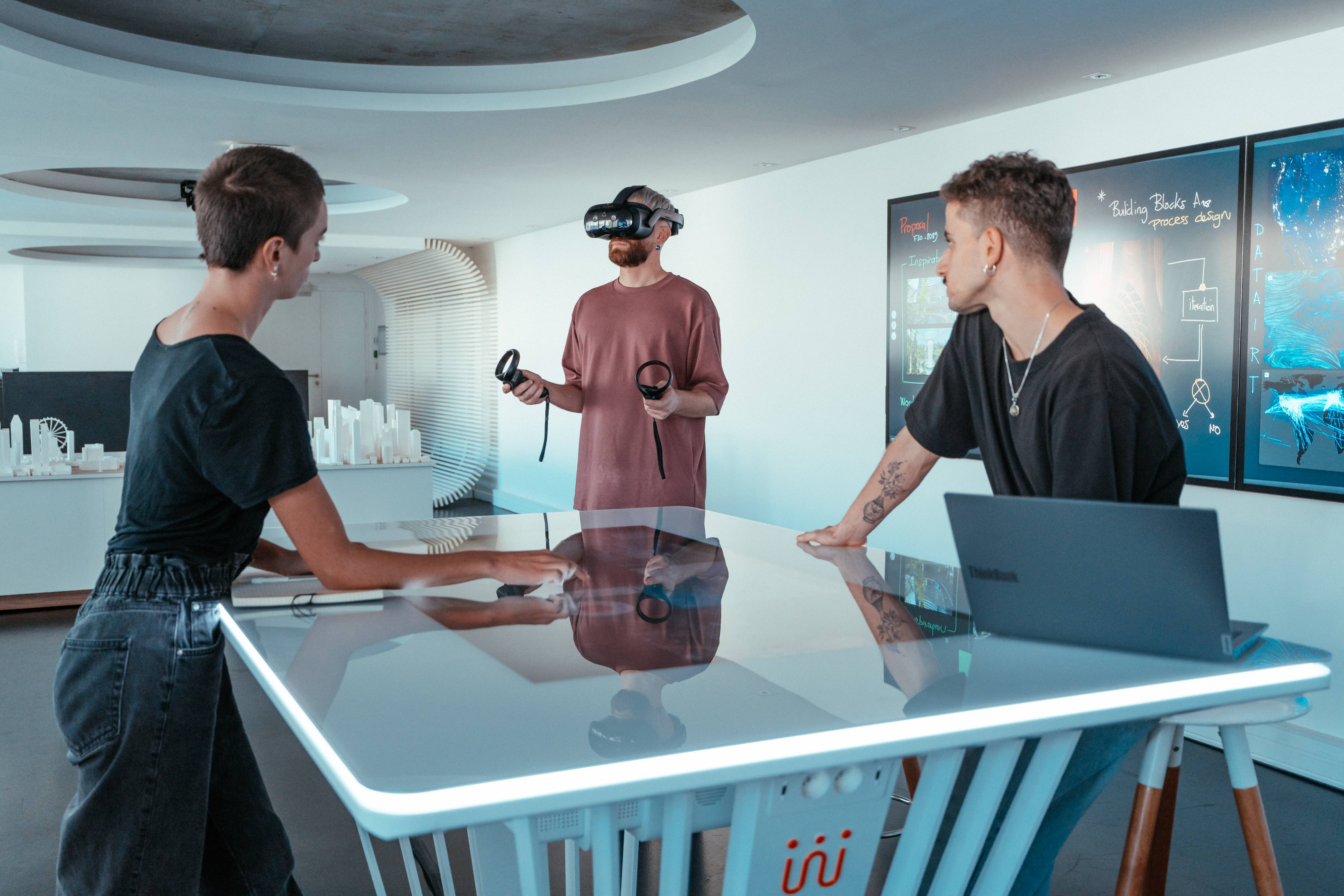
Shariiing Review can also be used with Shariiing Advanced to facilitate collaboration around 3D models.
This combination allows users to share views and synchronize interactions and annotations. One person can examine a model in a headset while other participants follow the presentation on a screen, whether they are in the same room or remotely.
This synergy facilitates design reviews, technical discussions, and training sessions involving multiple participants.
An offer tailored to your needs
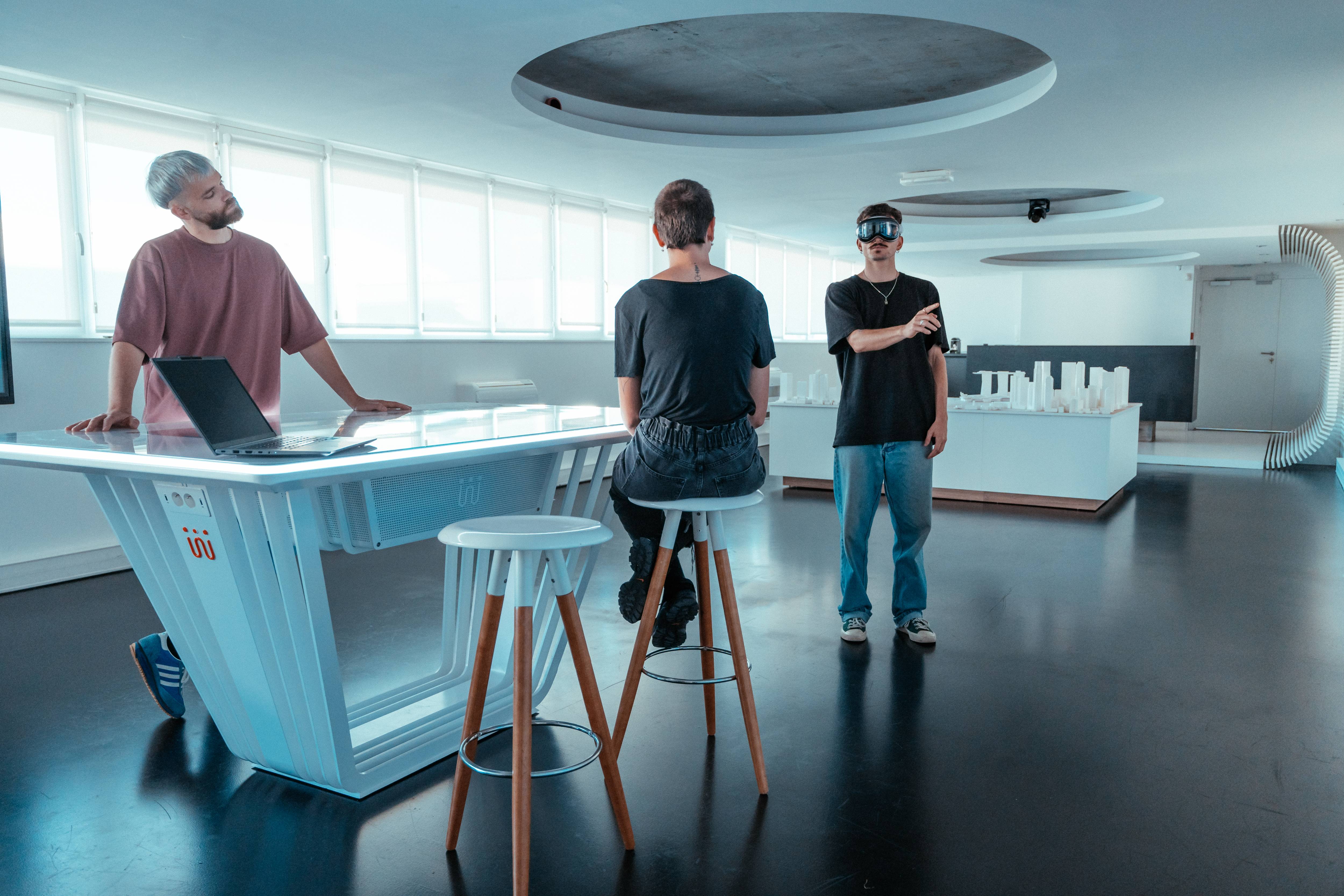
The Shariiing Review offering consists of two complementary components:
- Shariiing Review Manager, used on a computer to prepare and manage 3D models
- Shariiing Review, used on a headset to explore models in an immersive environment
The offering presented includes two activations. Additional options may be available depending on your specific setup and requirements.
For information regarding licensing terms and compatible hardware, please refer to the Shariiing Review product page.
Request your free evaluation license
Would you like to explore your 3D models in an immersive way and see if Shariiing Review fits your needs?
Request a free evaluation license to discover the solution and test it within your own environment.



0 comment(s)